
Updates

March 18, 2022
In-app subscription support for iOS app
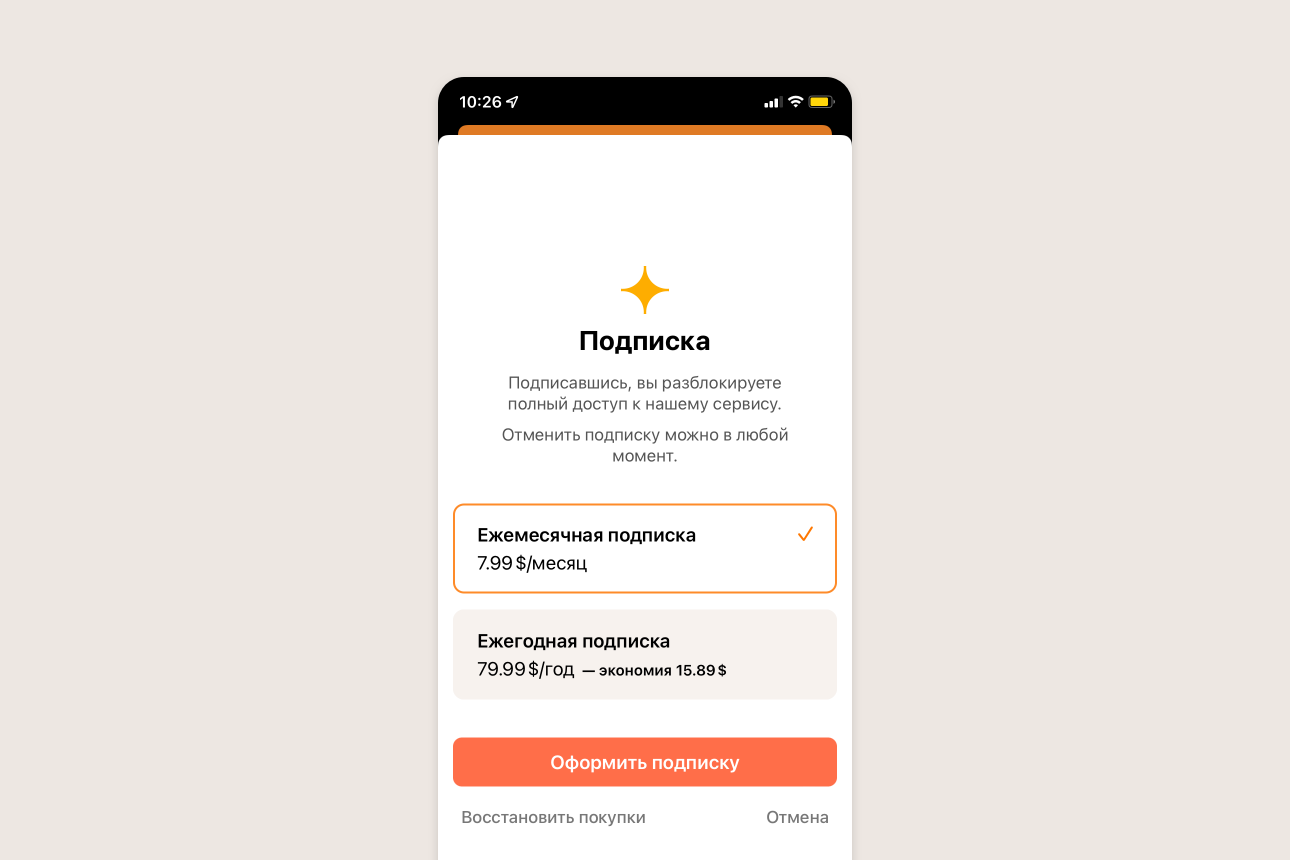
We fought with Apple for several months — once they rejected our app from the App Store because we didn’t have in-app purchases. Now we’ve added this feature.
The price shown on the website may differ slightly from what the App Store shows — we don’t fully control this process.
The latest version is already in the store. Besides in-app purchases, it includes bug fixes, several small visual changes, and email notification support.
January 24, 2022
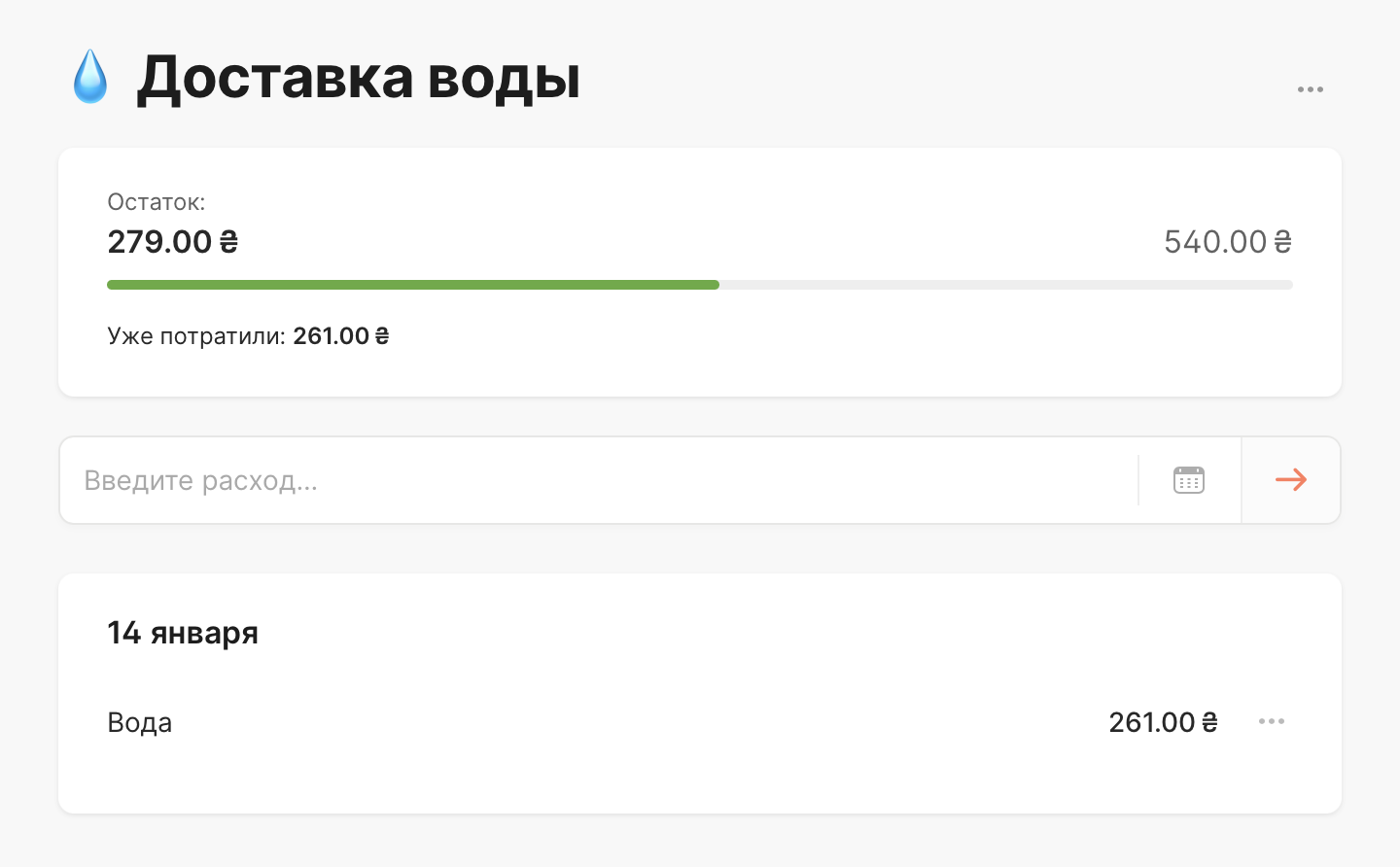
Recording expenses on category page. You can now record expenses directly on a category page. The new expense will be automatically recorded in the selected category.
November 18, 2021
-
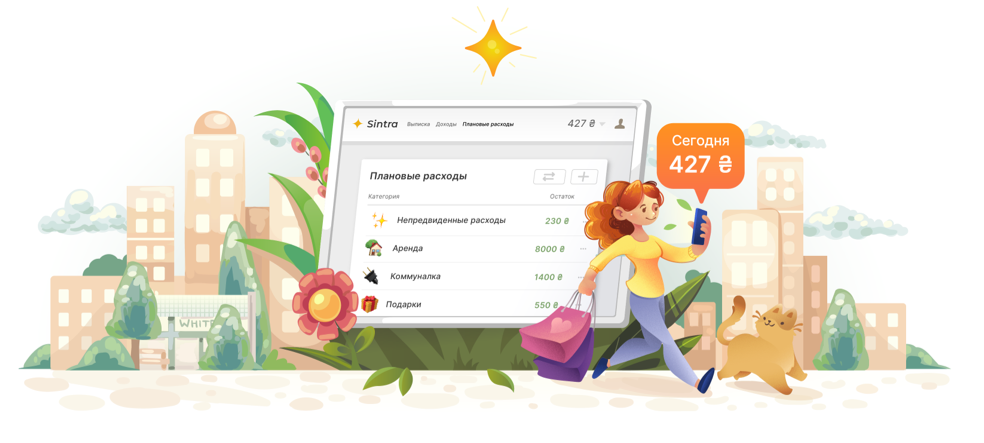
“How it works” page. We created a page that explains how Sintra works. It will be interesting for those who haven’t used our service yet, or have just started getting familiar with it.
-
Smooth budget creation. When transitioning from the last step of budget creation to the budget page, Sintra could freeze slightly. We fixed this issue.
-
New font. Updated the font in the web version.
September 29, 2021
-
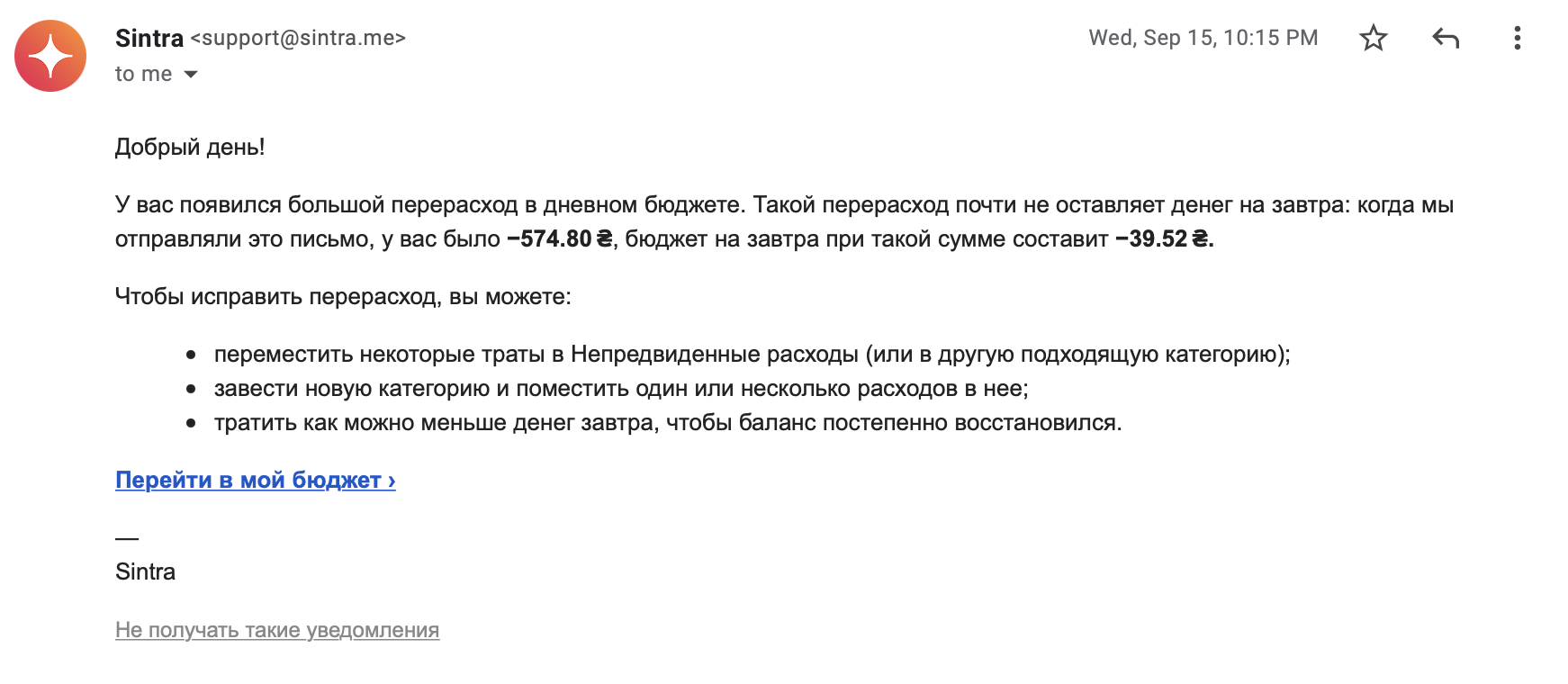
New email notifications. If you go significantly over your daily budget or don’t record expenses for several days in a row, we’ll notify you by email. We tried to configure emails so they only arrive when needed. And, of course, you can unsubscribe at any time.
-
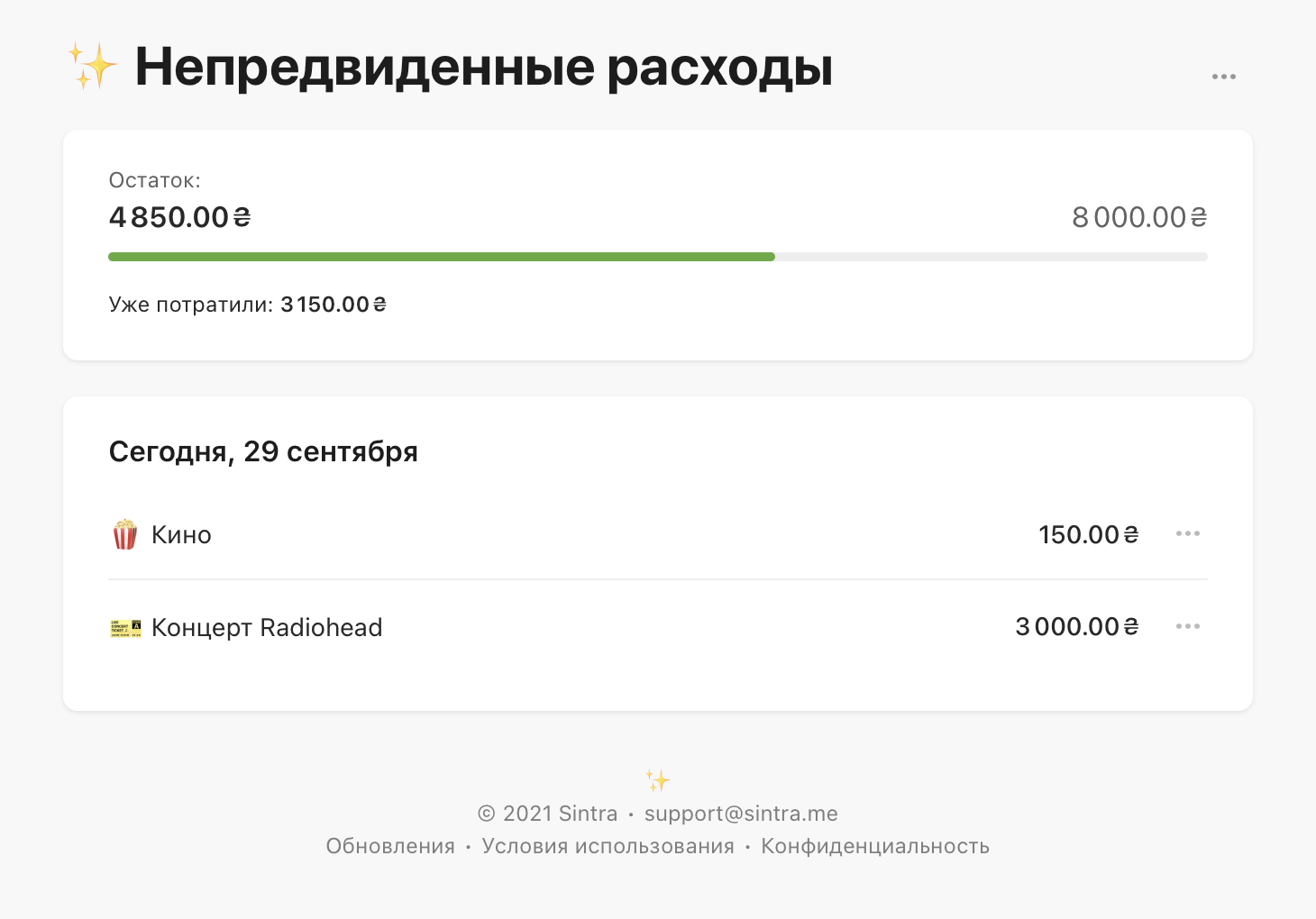
Category page. Now you can click on any category on the website and see all expenses for it:
-
More detailed balance. The total balance in your budget is now in the “Income” section. You can also see how much is left for daily expenses and how much for category expenses.